Skip to content
Bloodline

A private home for family history

Your family is more than names and dates.

Bring the people, memories, photographs, and stories that make your family yours — then share them with the people who belong in it.

Free to begin No password Private by default

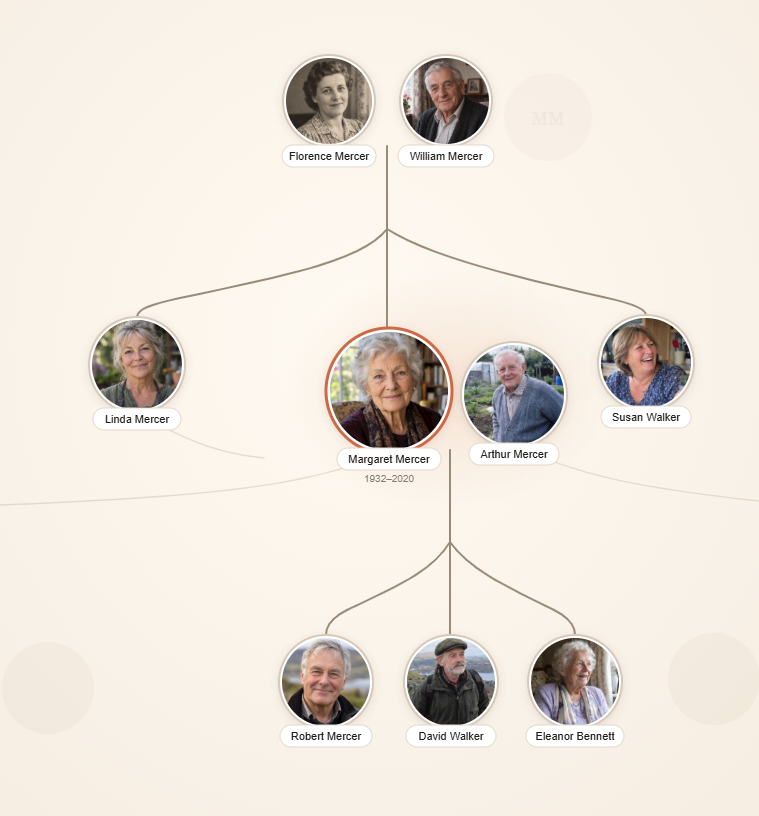
A Bloodline family tree, with photos, names, and a highlighted couple connected across two generations

An illustrative example family — not real people.

Private by default
Access belongs to the family you invite. Nothing is public unless your family chooses to share it. How privacy works →
No ads in your family story
We don't use your family's data to target advertising — no third-party ad trackers, no exceptions. Read our approach →
Yours to keep
Export your tree as a standard GEDCOM file any time — the same open format other genealogy tools use. What import and export cover →

How a tree grows here

One name, then the whole story.

The
01

Start with someone you love.

Enter one name, not a form full of genealogy jargon.

Adding a son, with Biological, Step, and Adopted relationship options shown
02

Let the family take shape.

Add relationships in the way your family actually understands them — biological, step, adoptive, or chosen.

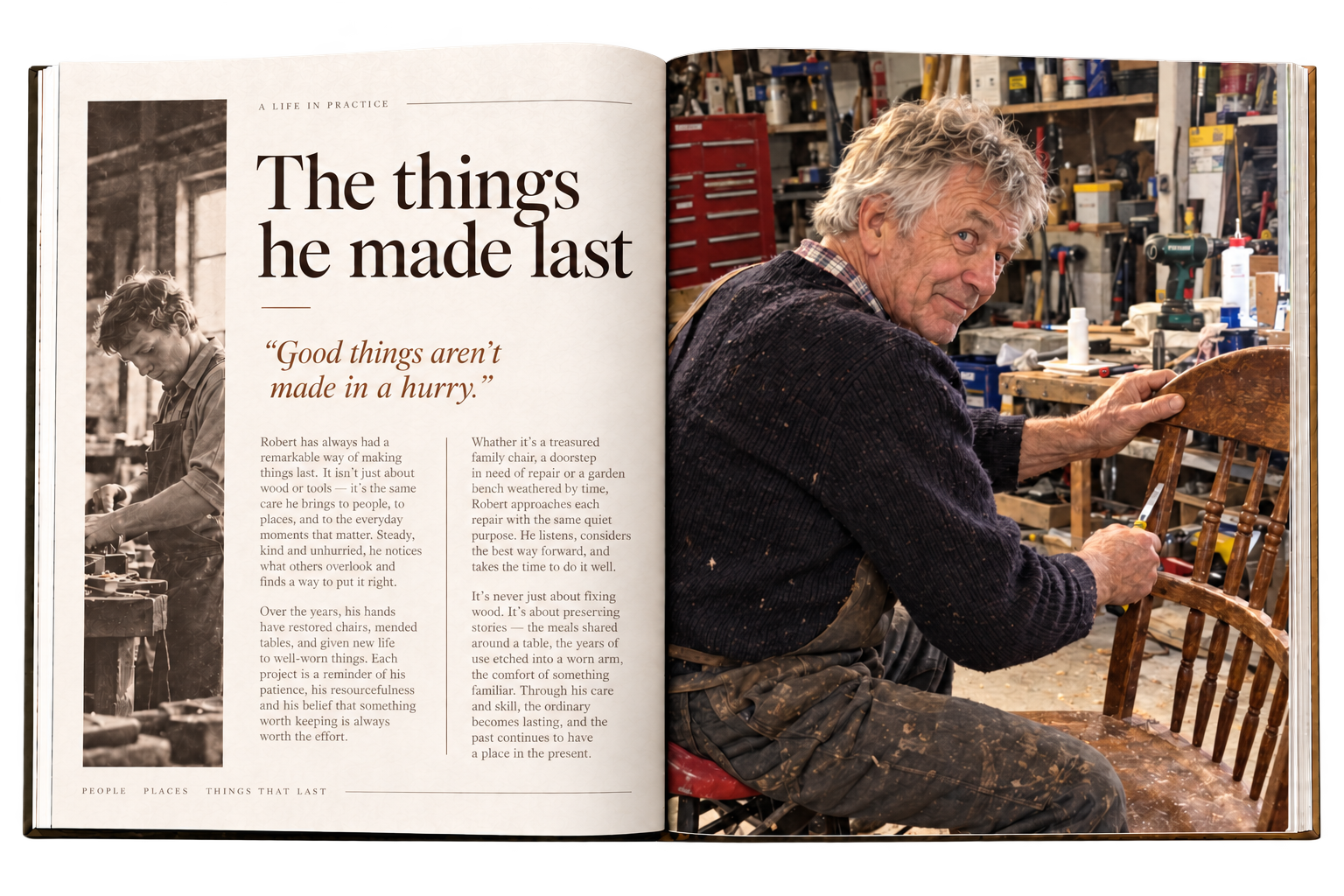
A Bloodline Keepsake page pairing a family photo with memories written by relatives
03

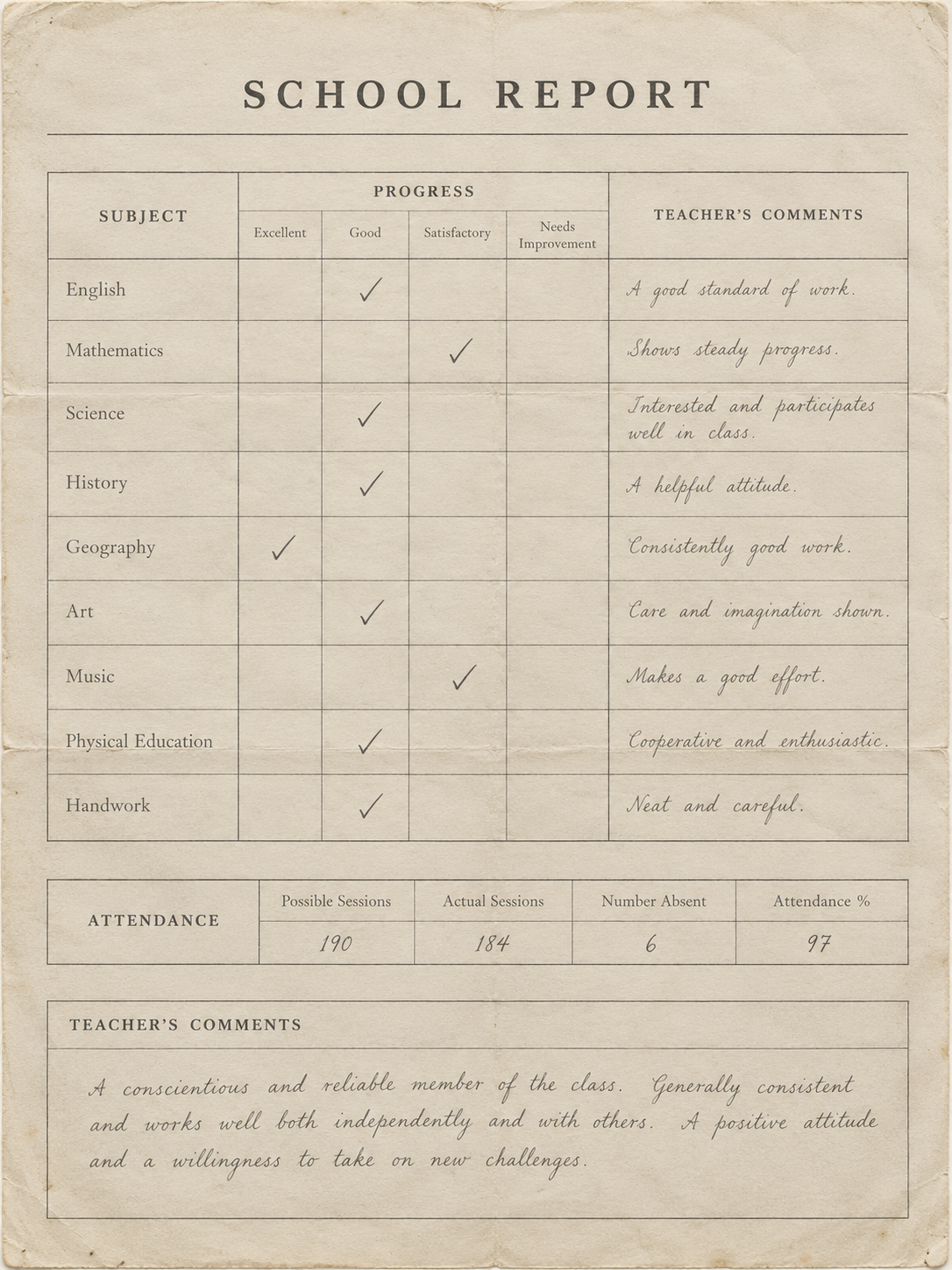
Keep what only your family knows.

Attach a photo, document, memory, or life detail to the right person.

An invitation screen offering Contributor, Editor, or Viewer access to a family member
04

Share a living legacy.

Invite relatives to view, contribute, and carry it forward.

Screens shown are an illustrative example family — not real people.

What's inside

Built around the person, not the record.

A Bloodline family tree with photos and connecting lines between relatives

See the connections

An immersive tree, a traditional chart, an accessible list, and your own Family Perimeter — the view that matters to you.

See how →
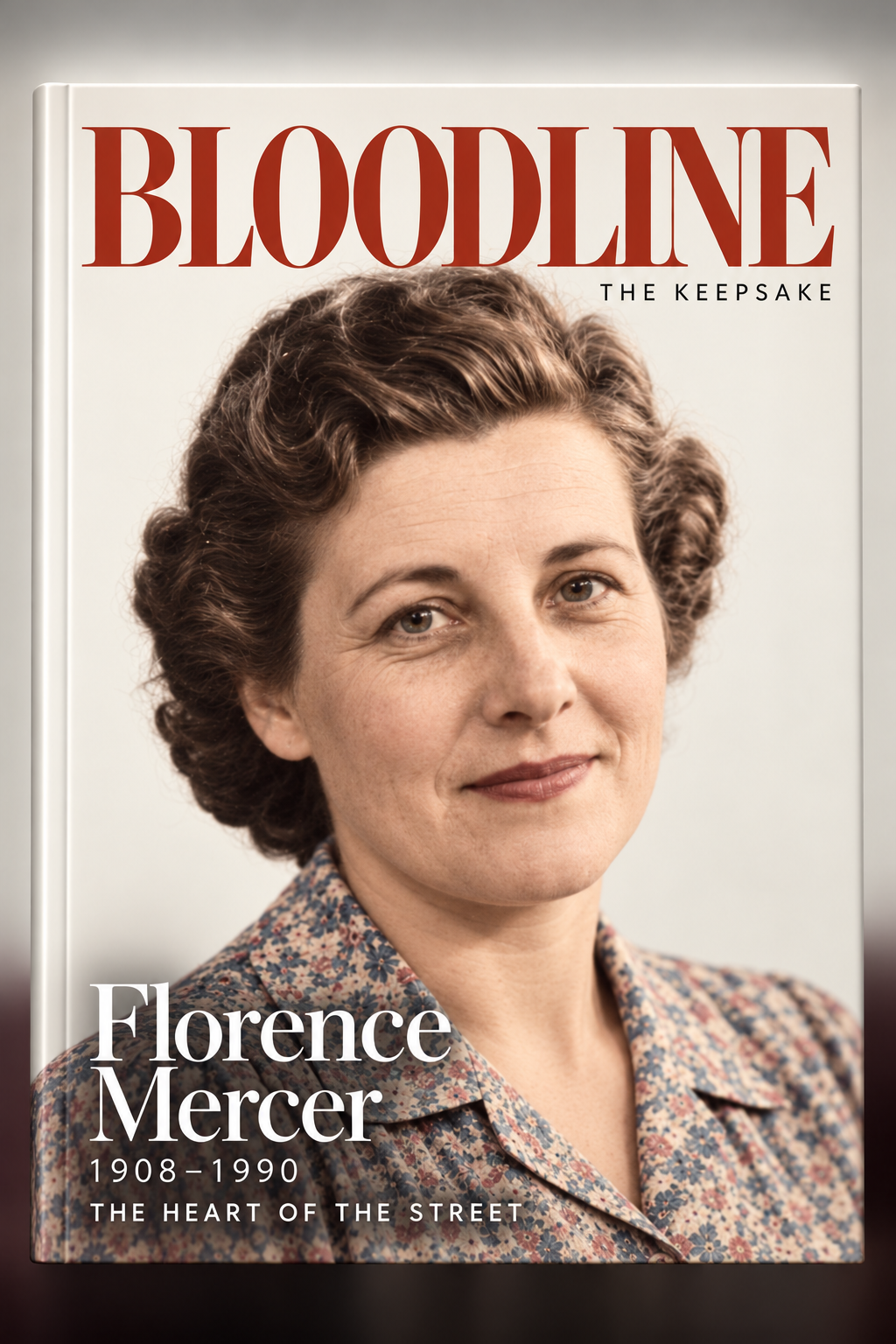
The cover of a Bloodline Keepsake, an illustrated family biography

Remember the person

Profiles, memories, photographs, documents, a life timeline, and the Keepsake — an illustrated biography woven from what your family records.

See how →
A family activity feed showing memories, photos, and updates added by relatives

Build it together

Invitations, roles, an activity feed, and small contributions that add up — without handing over the whole archive.

See how →

Bring your history with you

Import a GEDCOM, review every change before it applies, and keep duplicate safeguards on by default.

See how →

Screens shown are an illustrative example family — not real people.

Wherever you're starting from

Bloodline is for you, however you begin.

Start a new family story
Begin gently with the people you know. About two minutes, and you can skip anything for later.
Start fresh
Bring an existing tree
Import a GEDCOM file and review every change before it applies to your tree.
Import a GEDCOM
Join a family
Already invited? Sign in with the same email address the invitation was sent to.
Join your family

Privacy and ownership

A family archive, not a data product.

Who can see living people?
Only the family members you invite. Living people’s details are visible to your family, never to the public web or search engines.
What do family roles mean?
Owners and co-admins manage the tree and invitations; editors and contributors can add and update people, memories, and photos; viewers can look but not change anything. You choose each relative’s role when you invite them.
Is any of this public or indexed?
No. Person profiles, photos, documents, memories, and your tree itself are never public and are never indexed by search engines — only the pages you’re reading right now (like this one) are.
Does family data train AI or get used for ads?
No. Bloodline never sells family data or uses it to target ads. Some optional features (like the Keepsake illustrated biography) use AI to help write a narrative from what your family has recorded — that processing stays scoped to your family’s own content.

Read our privacy policy →

Start with one name. Keep a whole history.